



Built for the people on site.
Attendance, Kharchi, wages and progress on one phone.
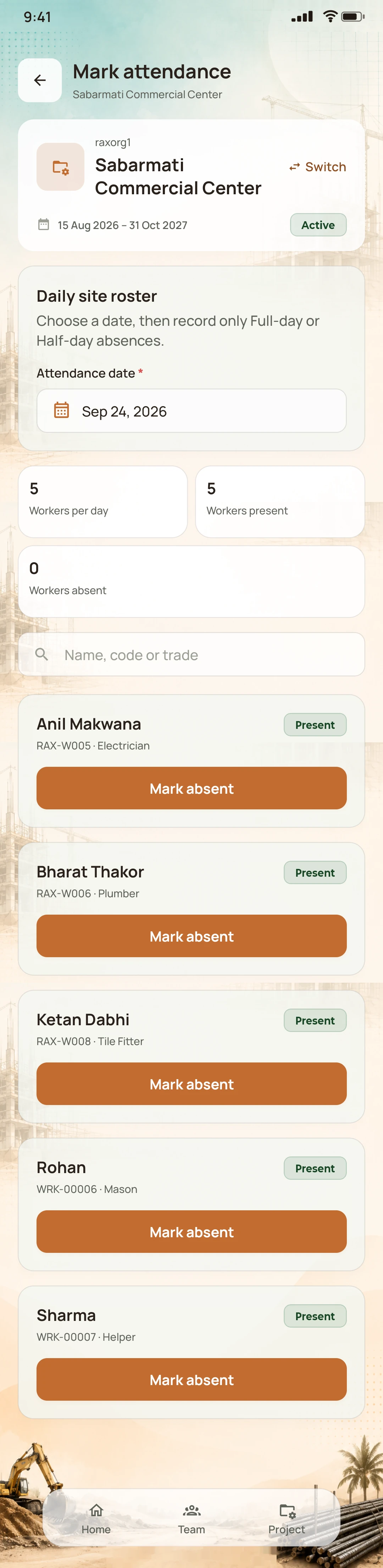
Attendance
01 / From scattered to connected
The work is on site.
The records are everywhere.
A register here. A message there. A number you’re trying to remember. Give your important site information a place of its own.
Mon, 14 Sep — Sabarmati
JCB diesel?? ask Mukesh
OwnerHow many workers were on site today?
Supervisor12 workers today, I think
 Sabarmati site · 14 Sep
02 / Your work. Your way.
You don’t all build the same way. Neither do we.
NirmanSite is a construction management app for Indian builders and contractors. Record daily site work on mobile and review project records in the web workspace, whether you run one project yourself or share responsibilities across a team.
What each person sees follows their role and project.
The hands-on builder: The owner is linked directly to two project sites, Sabarmati and Bopal, and to the workers on each. Workers are recorded by the team and need no app login.
One person, every site
Workers need no app login
03 / One working week
Labour attendance, Kharchi and wages.
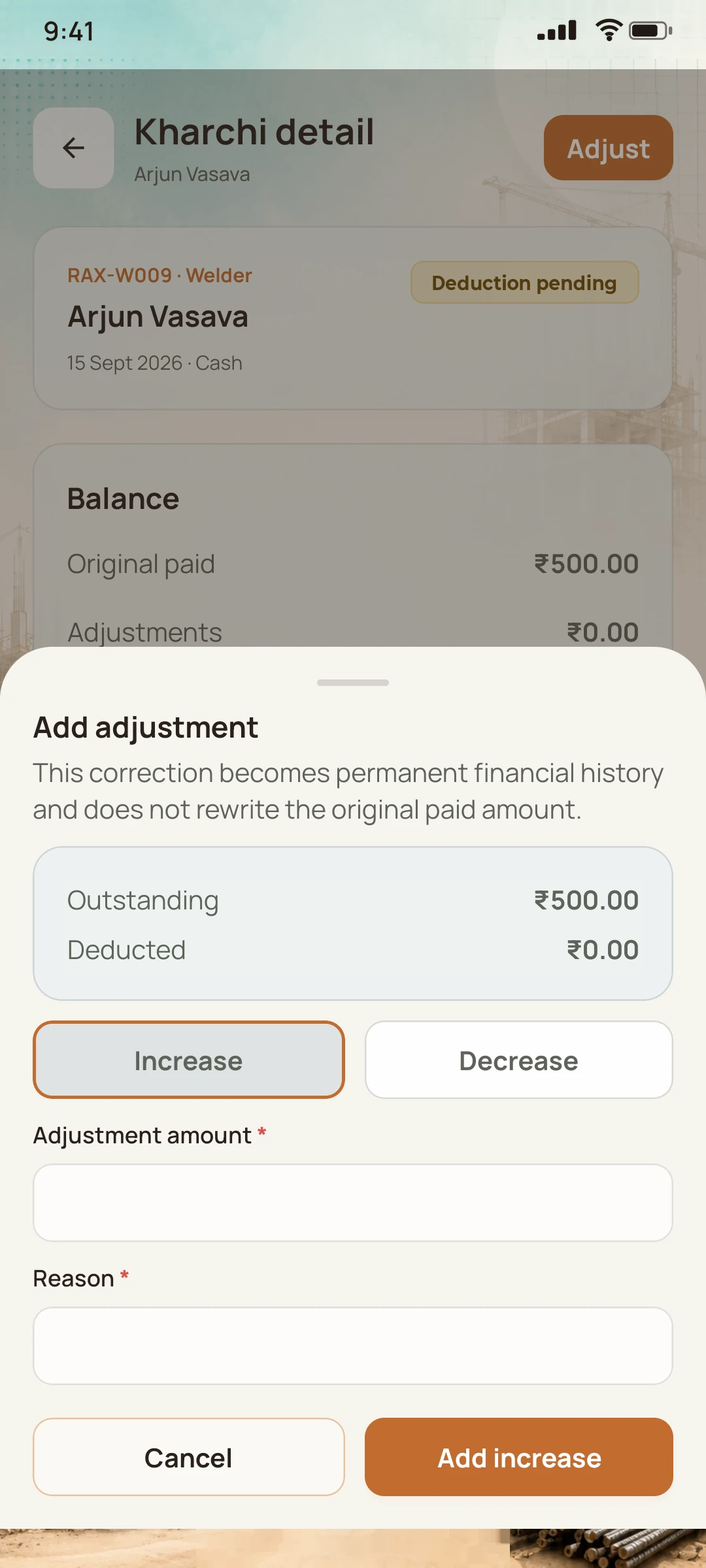
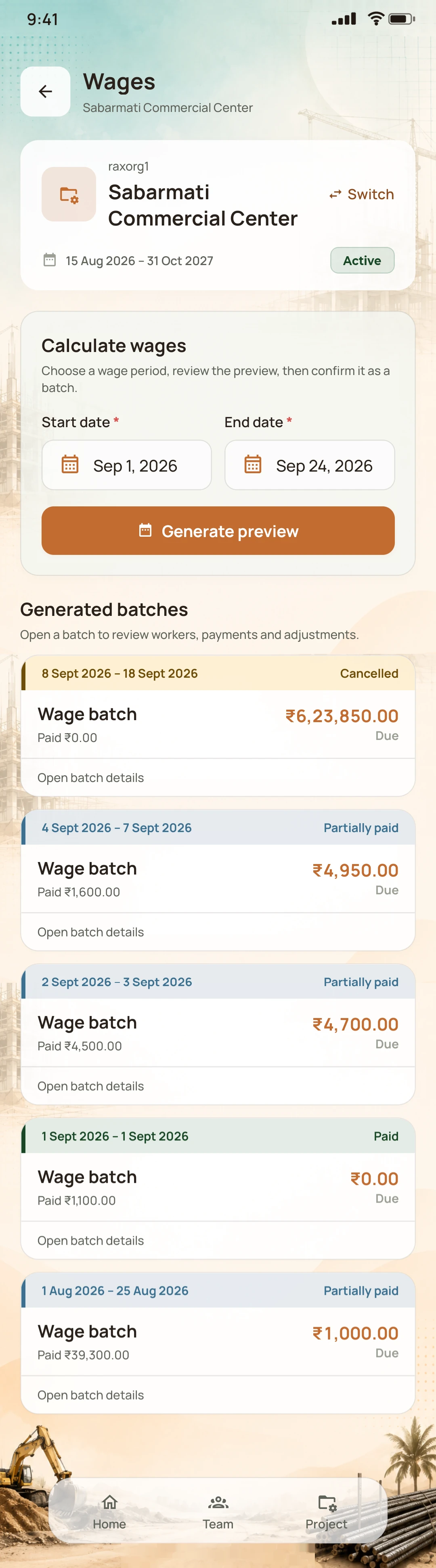
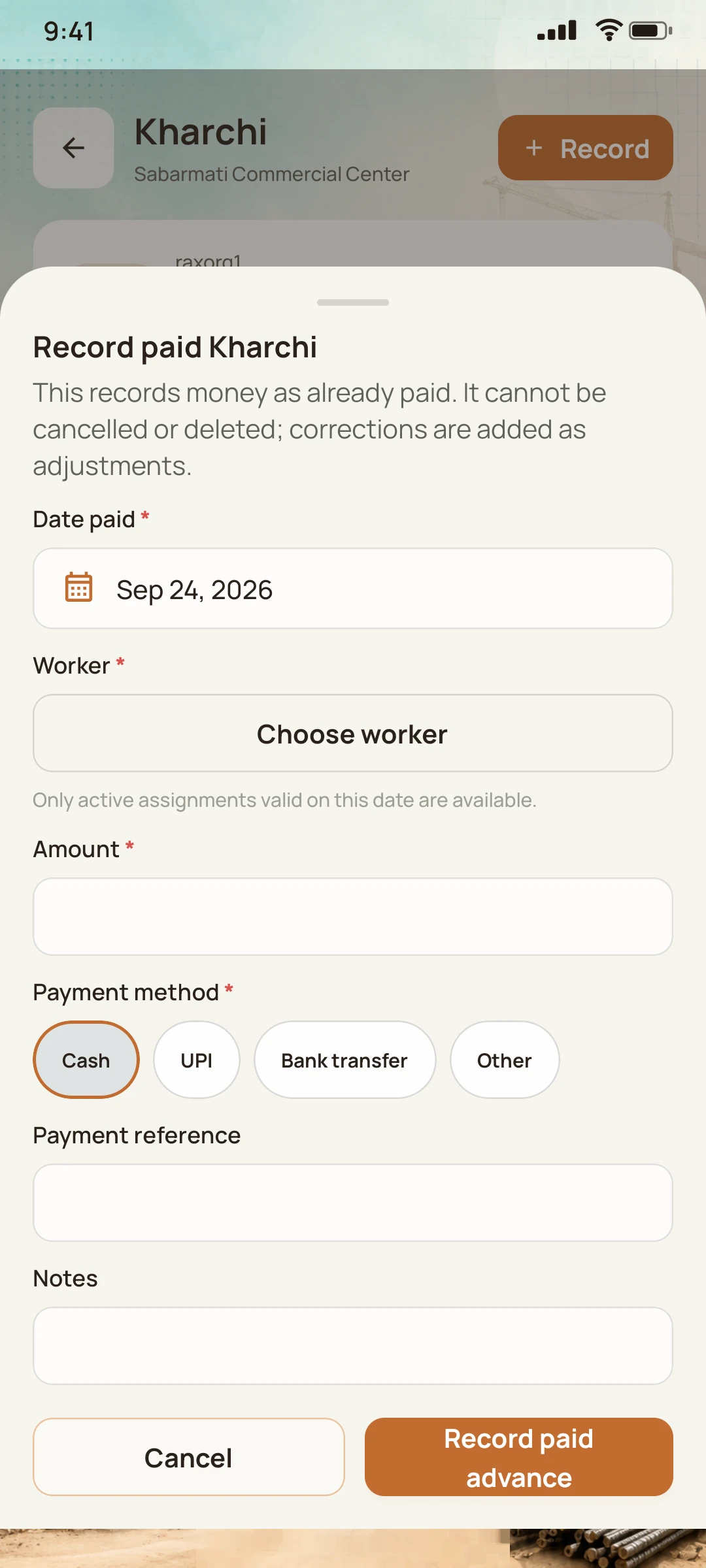
Keep worker records, daily attendance and wage settlement connected by project. Record Kharchi already paid to workers and account for those advances when reviewing wages. Workers do not need to install the app.
08:07
Monday · Labour attendance
Add a new worker at the gate, then record only the exceptions. Everyone else is present by default.
- Presence is automatic
- Absences and half-days as exceptions
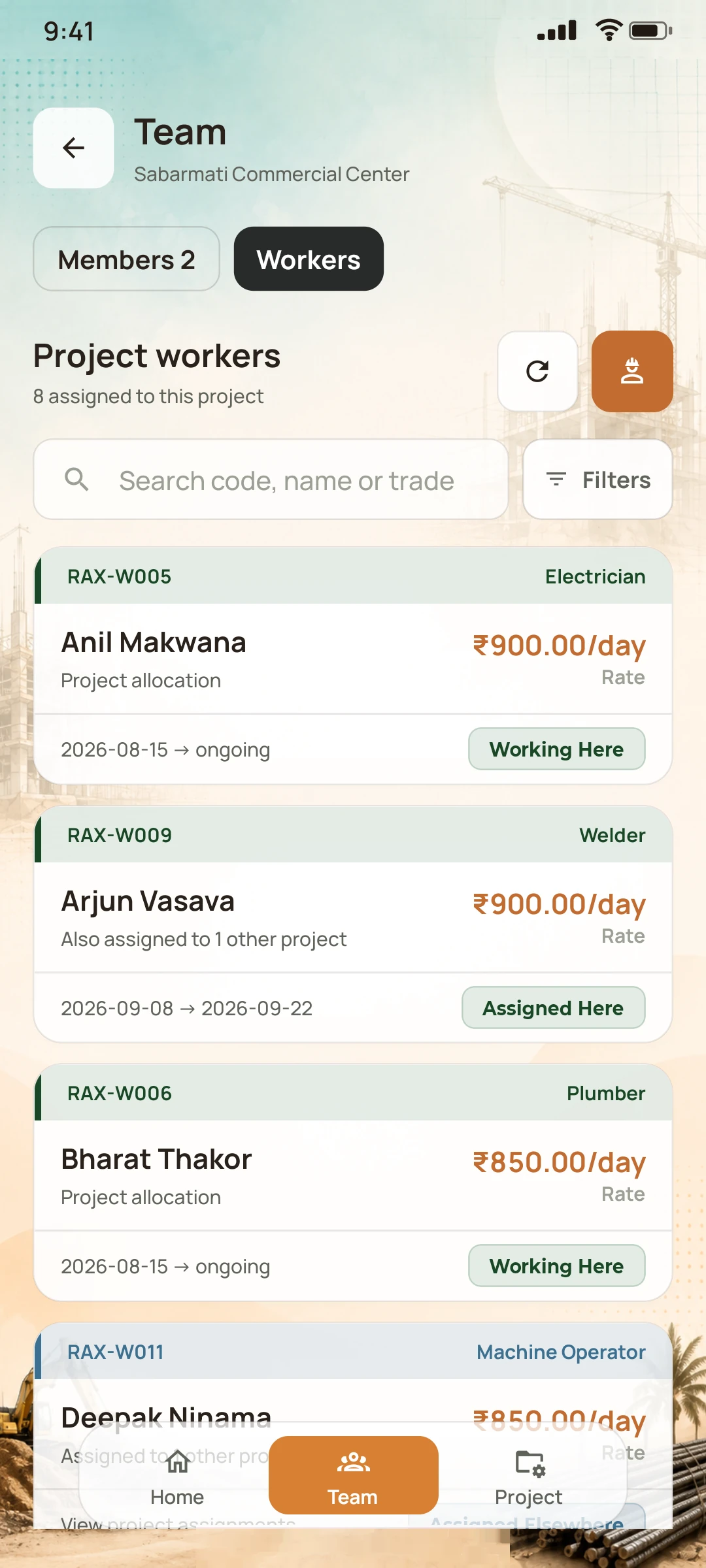
- Trades, projects and daily rates
Workers do not need app accounts.
Mobile app · on site
Web workspace · in the office
04 / From records to understanding
Know where your site expenses go.
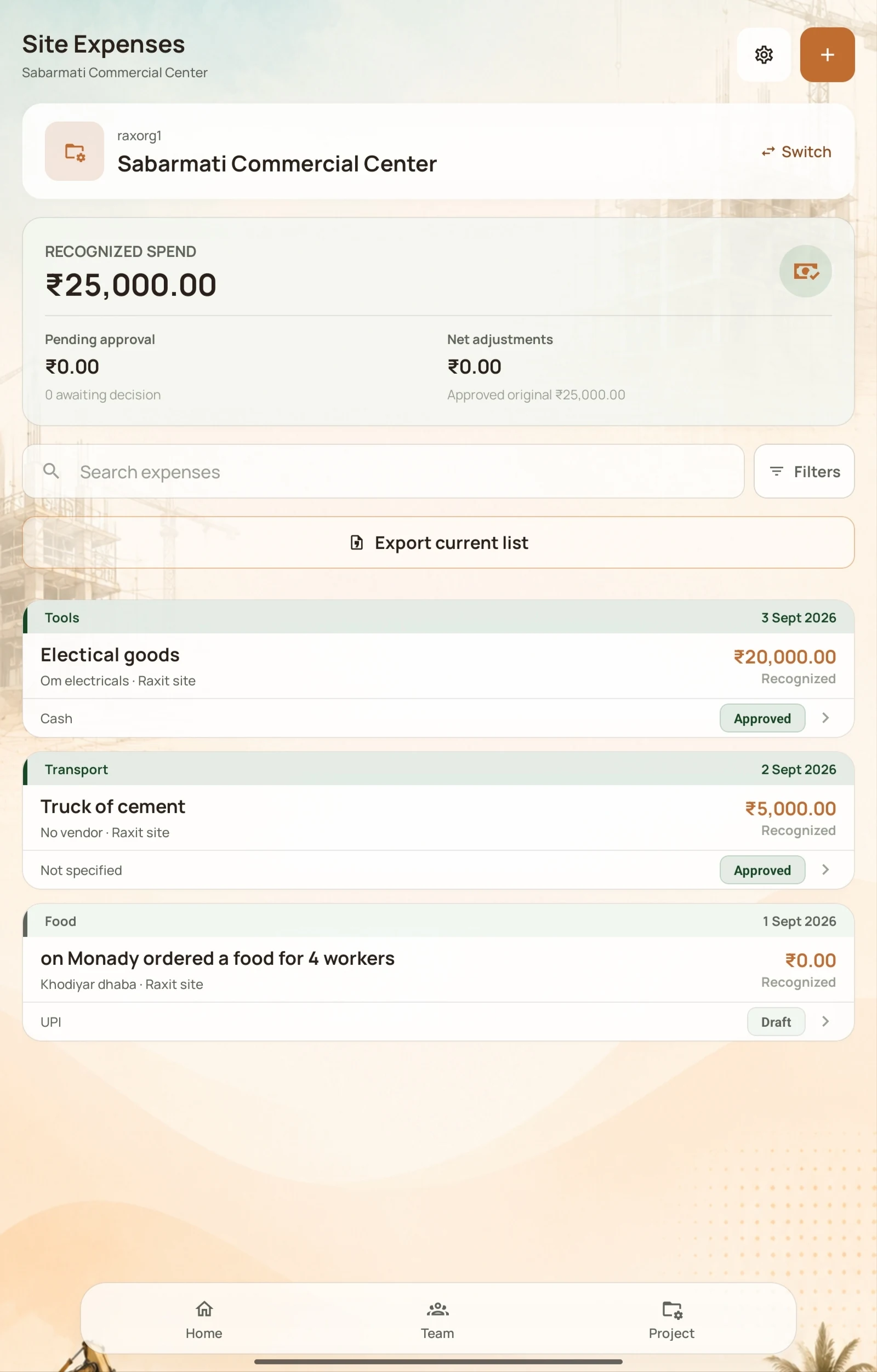
Track construction site expenses by project and category. Review recognised spending, approval status and individual expense records, so the office has the context behind each recorded amount.
- Project-wise
- Approvals
- Expense records
Recognised spend
₹0
Across this project
05 / The work keeps moving
Material requests and construction progress.
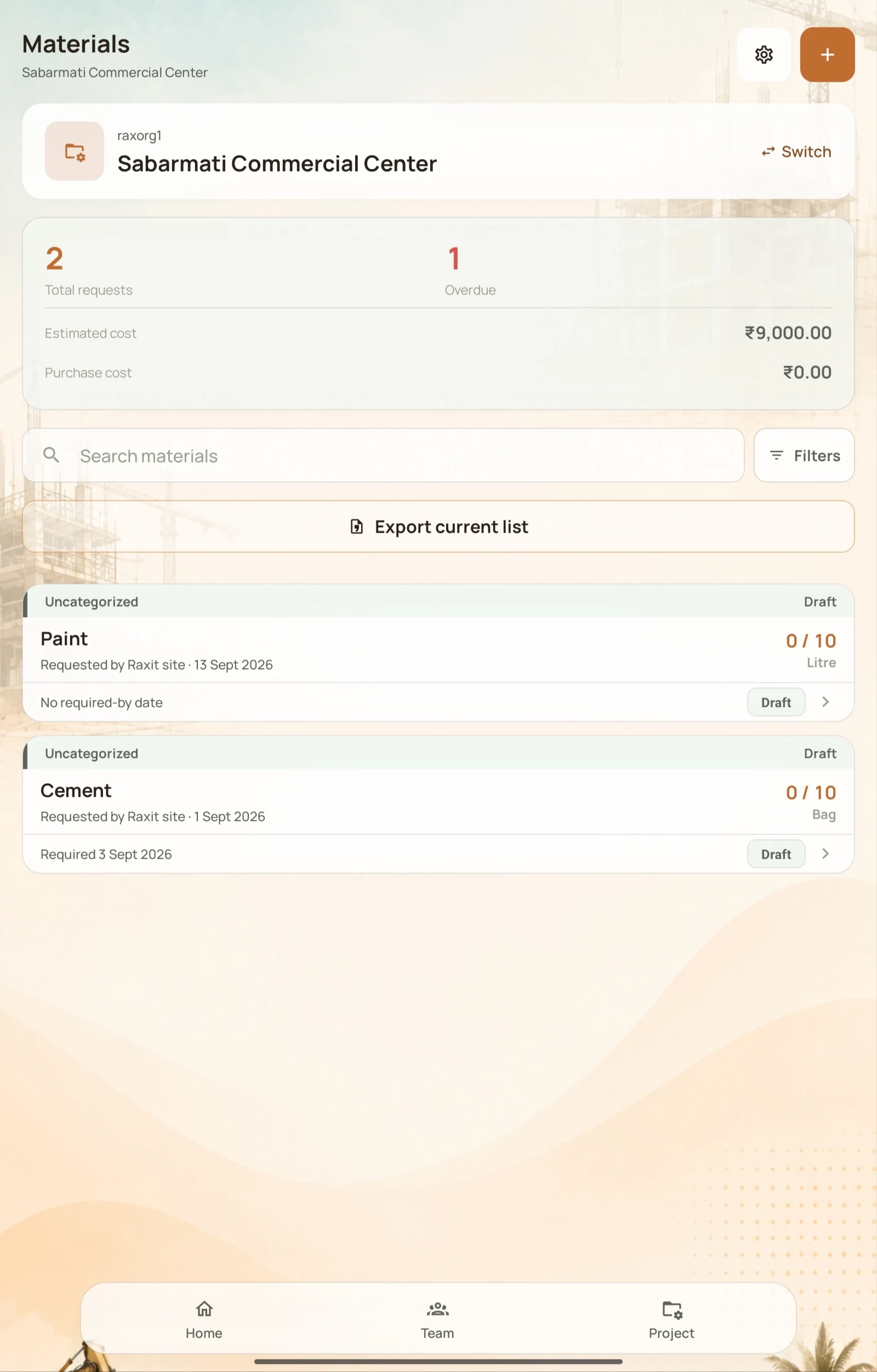
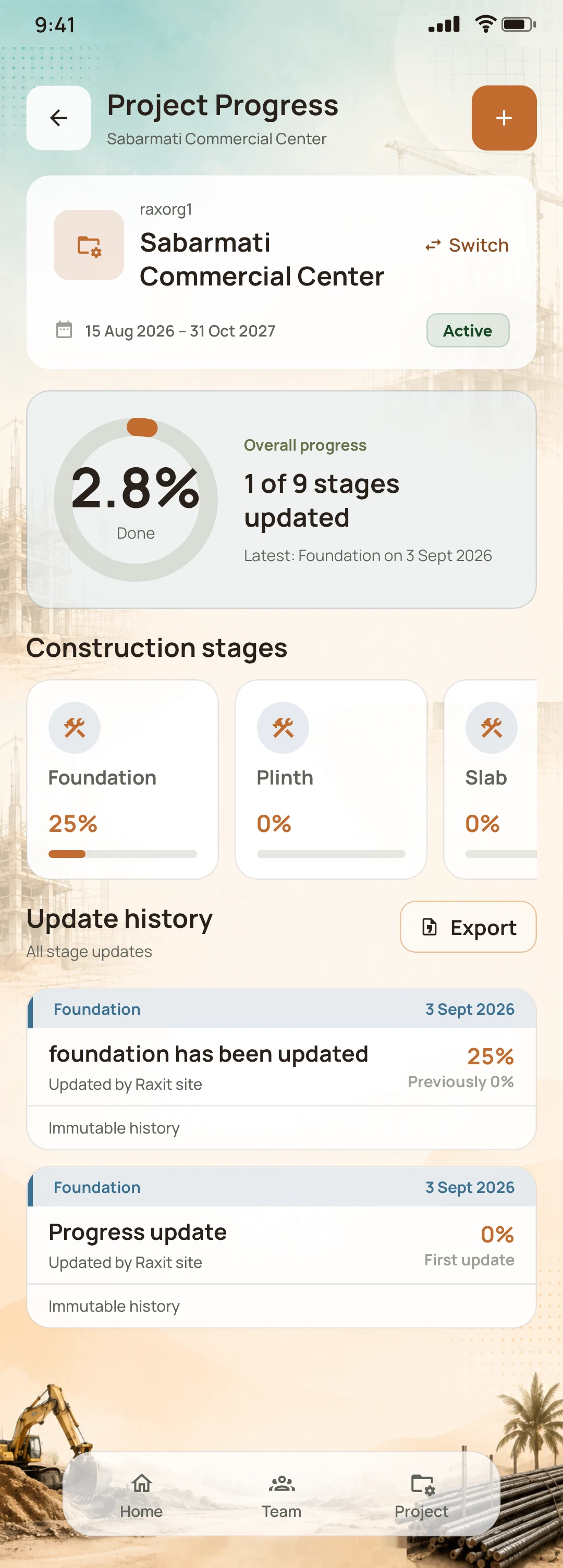
Organise construction material requests with quantities, units, required dates and status. Follow project stages and recorded progress updates, keeping the details of each site together.
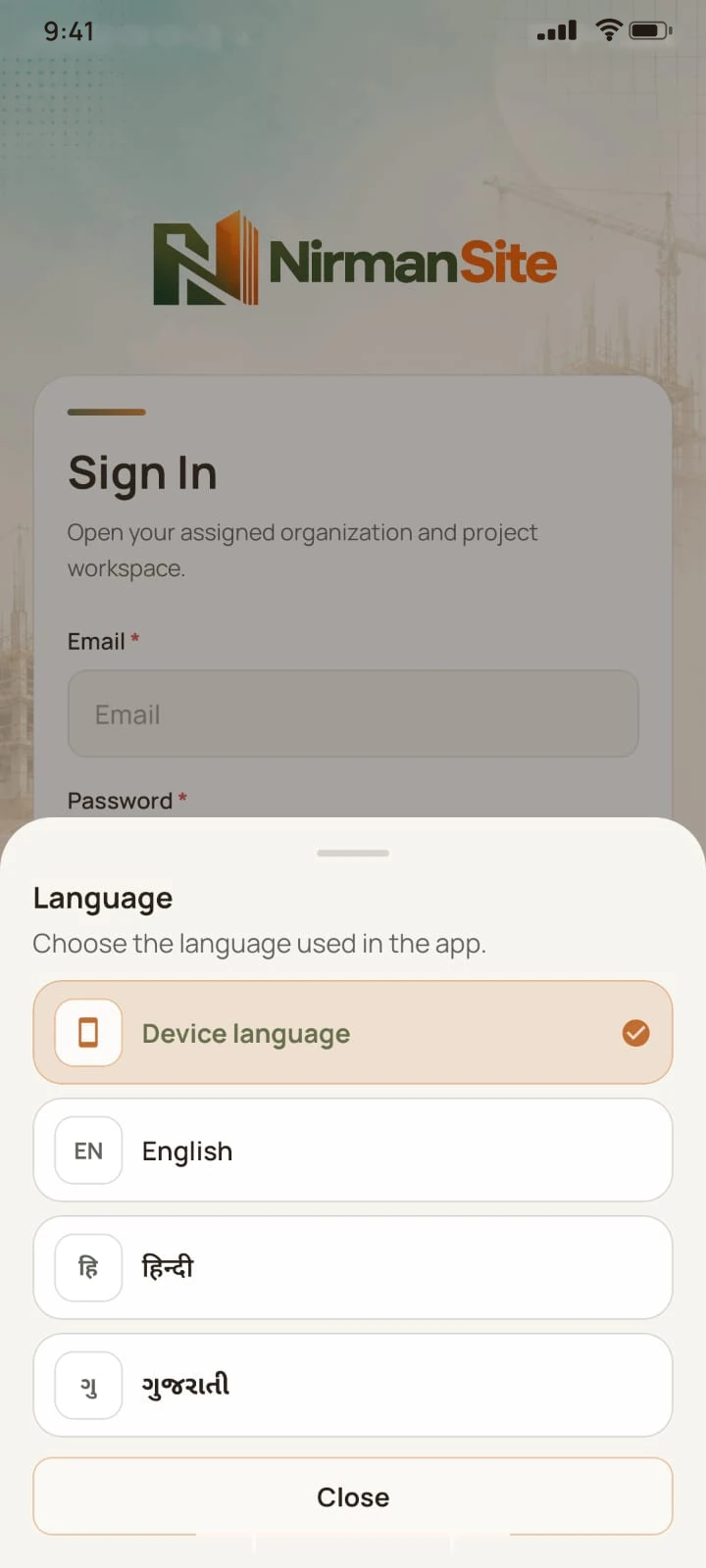
06 / Feels like your language
Built for your work. In words that feel like home.
English, Hindi and Gujarati. A simple, approachable app for people who have a site to run.
Familiar language. Everyday confidence.
Sabarmati site · Today
Workers present
5 / 5
Kharchi today
₹500
Material requests
2
Language preview
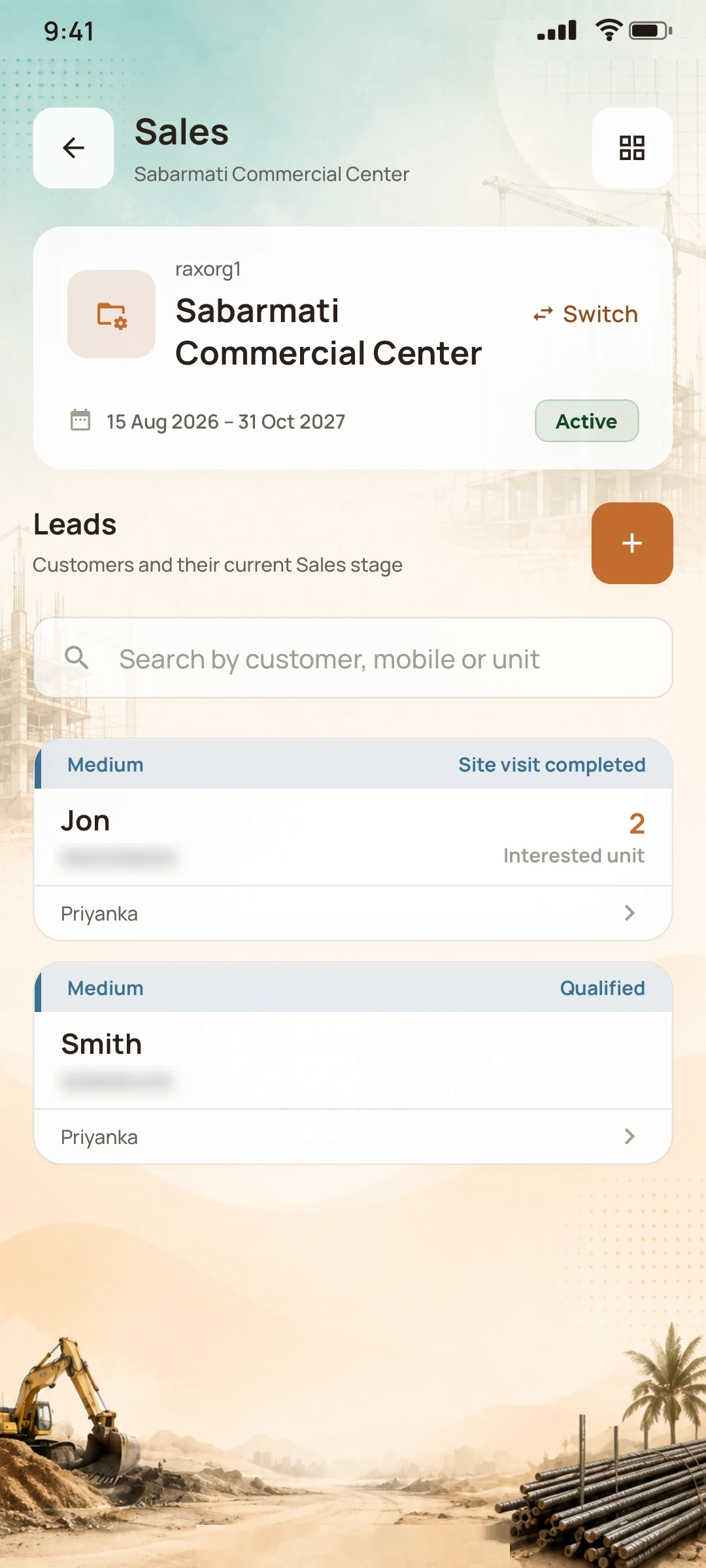
07 / A little more room for your business
From the first enquiry to the next site visit.
Manage sales leads for your construction projects. Keep customer enquiries, follow-ups, scheduled site visits, units and booking activity organised alongside daily site work.


Built around real working days
Construction is personal.
Your software should understand it.
NirmanSite grew from conversations with builders and contractors who organise their work in different ways. That is why flexibility sits at the heart of the app.
A few things worth knowing
Questions about NirmanSite.
Who is NirmanSite for?
NirmanSite is a construction management app for Indian builders and contractors, and the supervisors, project managers, office staff and sales teams who work with them. It supports both hands-on site management and teams sharing responsibilities across projects.
What can I manage with NirmanSite?
You can organise worker records, labour attendance, Kharchi advances, wages, site expenses, material requests, construction progress and sales activity by project. It brings daily site records into a connected mobile and web workspace.
Can my site team and office use it together?
Yes. Site teams can record daily work in the mobile app, while owners and office staff review project records in the web workspace. Access depends on each user’s role and assigned projects.
Do workers need to install the app?
No. You or your site team manage worker records and attendance. Workers do not need app accounts.
How are attendance and wages connected?
Worker records include daily rates and project assignments. Site teams record attendance exceptions such as absences and half-days, then review wages for a period with the attendance and Kharchi records behind them.
Does recording Kharchi send a payment?
No. Kharchi records money already paid to a worker, so it stays in view and can be adjusted against wages later. NirmanSite does not transfer money.
Which languages can my team use?
The mobile app can be used in English, Hindi and Gujarati.
Can I manage more than one project?
Yes. Records are organised by project, and you can switch between projects in the app.
Who sees what?
What each person can see and do follows their role and project, for example as an owner, a supervisor or in sales.
How can I request a demo?
Use the Contact us page to tell us about your construction business and the workflows you want to simplify. The Hornbook Technologies team will contact you to discuss your requirements and a product demonstration.
Your next day on site could feel different
Your way of building. A little more organised.
Discover where NirmanSite fits into your day.